Shopify stores
Connect and verify a Shopify custom app for product access.
Updated July 17, 2026On this page
- Shopify store-owner or app-management access
- A Shopify custom app with the required Admin API scopes
- The store's permanent myshopify.com domain
A store is the Shopify connection used to read products and variants. Multiple checkouts can reference one store, but only one checkout can be installed as the active storefront checkout at a time.
Connect a store
Add the permanent Shopify domain
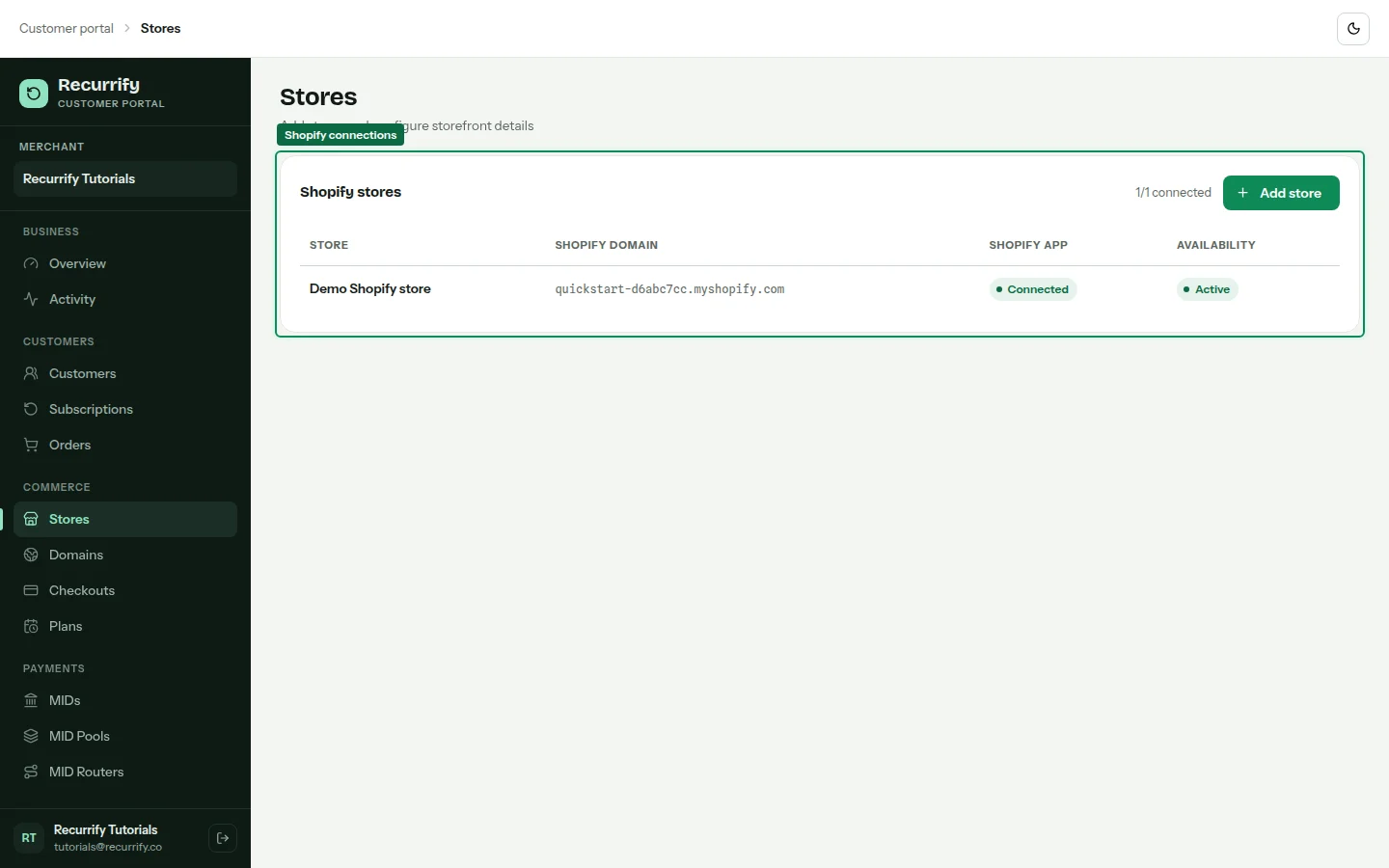
Open Stores, choose Add store, and enter a recognizable name and the your-store.myshopify.com domain. Do not use a customer-facing redirect domain.
Enter the custom app configuration
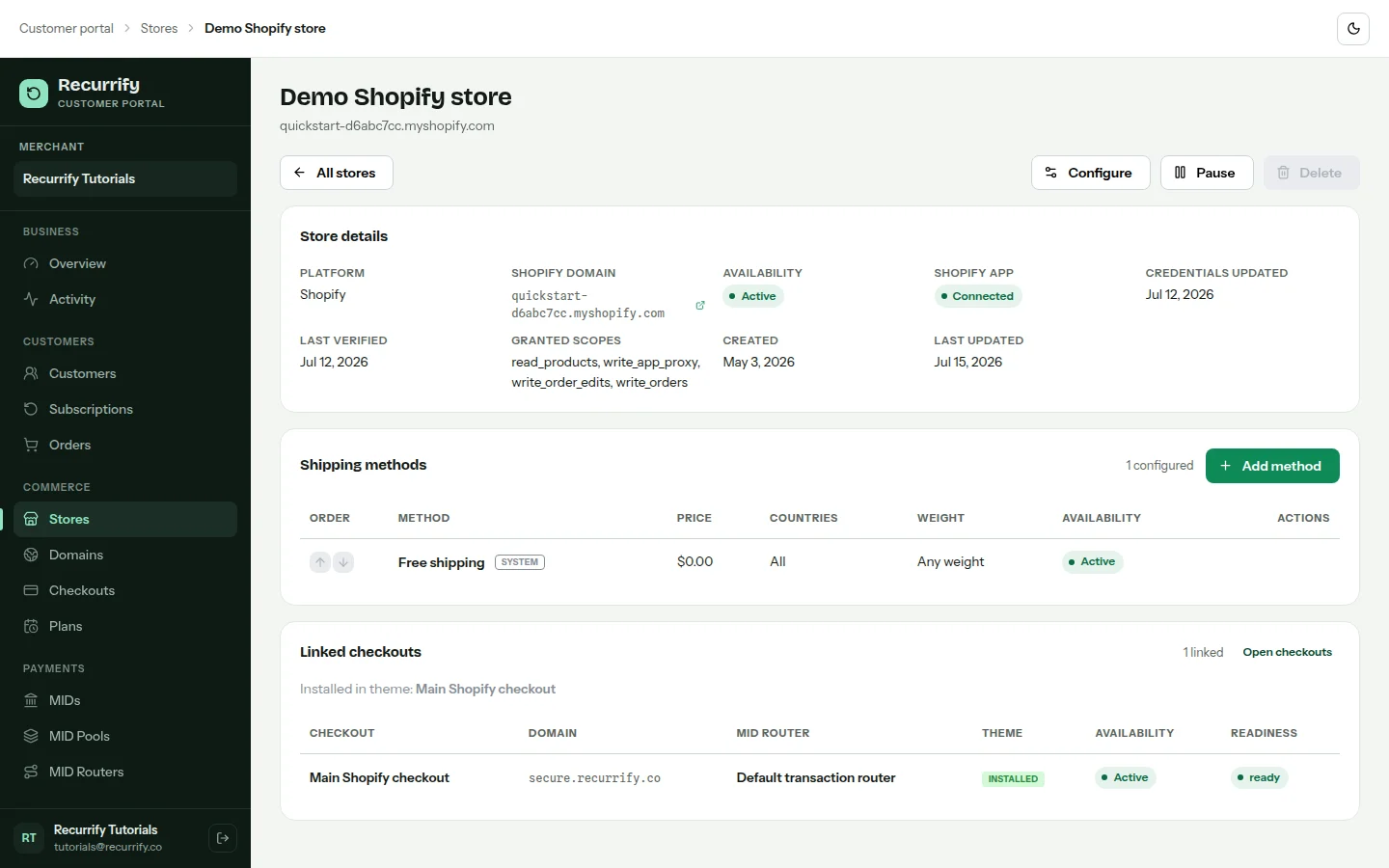
Open the store, add its app client ID, client secret, and Admin API access token, then save. Credentials are encrypted by the backend and are never returned to the browser after submission.
Verify product access
Choose Verify connection. A Ready result confirms the app can read the shop and required catalog resources. Fix missing app scopes in Shopify before retrying.
Manage store shipping methods
Add paid or country-specific shipping methods from the store page. Free shipping is created automatically and cannot be removed. Checkout pages select which store methods they expose.
Store states
| State | Meaning |
|---|---|
| Ready | Credentials and required Shopify scopes verified |
| Needs verification | Configuration changed and must be checked again |
| Error | Shopify rejected the credentials or required operation |
| Paused | New checkout sessions are blocked for the store |