Shipping methods
Create store-owned methods and assign a checkout default.
Updated July 17, 2026On this page
Before you start
- A connected Shopify store
- A checkout linked to that store
Shipping methods are owned by a store and can be reused by its checkouts. Each checkout chooses which methods customers see and which enabled method is the default.
Configure checkout shipping
Create store shipping methods
Open the linked store and use its Shipping methods section to add a name, price, country availability, and optional minimum or maximum weight. Every new store has read-only Free shipping by default.
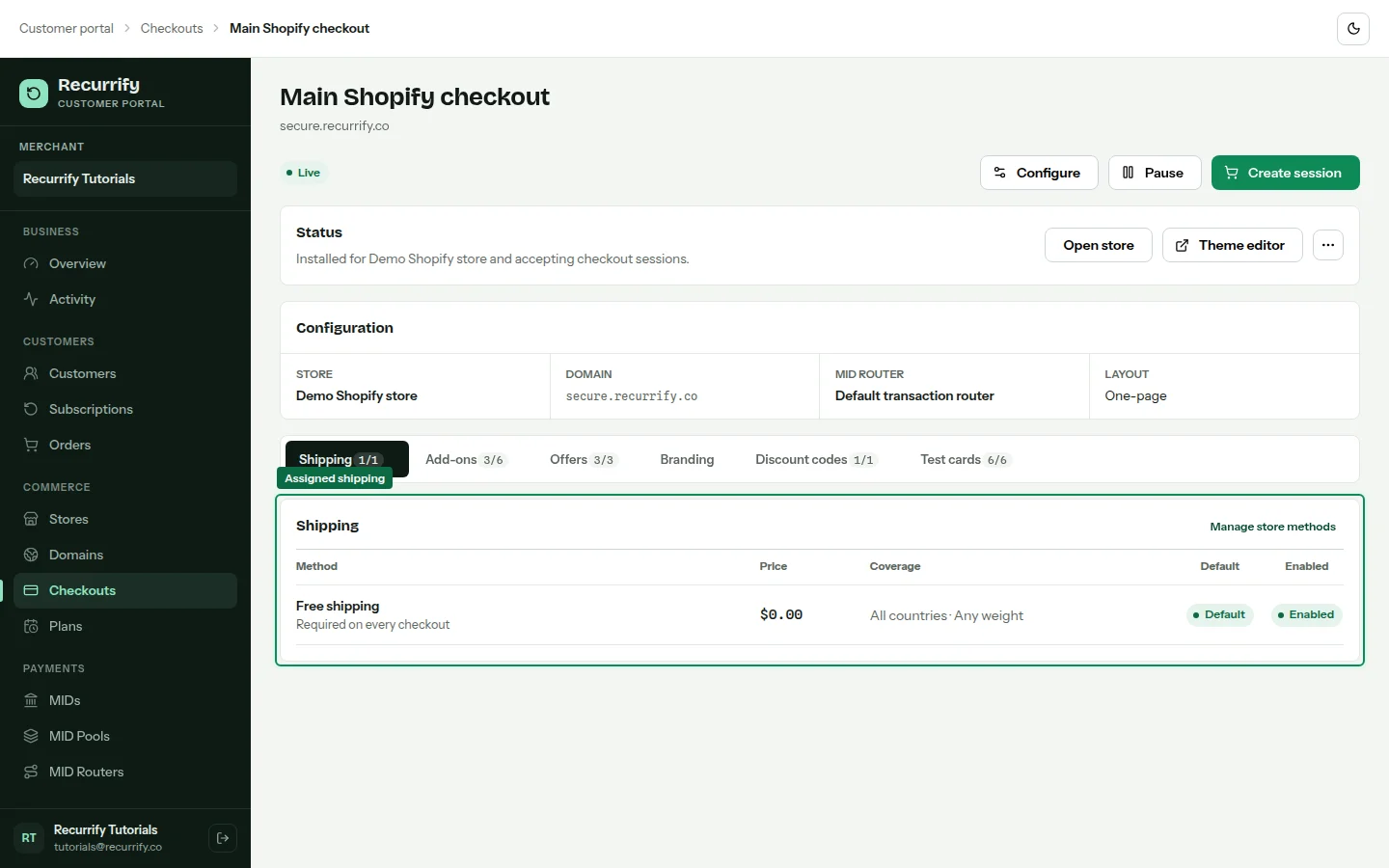
Assign methods to the checkout
Open the checkout and select Shipping. Enable the store methods this checkout should offer. Methods from a different store cannot be assigned.
Choose the default
Set one assigned, enabled method as default and save. A checkout becomes Blocked if it has no enabled assigned method or if its default is disabled.
Shipping fields
| Field | Behavior |
|---|---|
| Price | Stored in the checkout currency's smallest unit and displayed as money |
| Countries | Empty means all supported countries |
| Weight range | Optional lower and upper eligibility boundaries |
| Position | Controls the option order presented to customers |
| Default | Required per checkout and must remain enabled |
Disabling a shared method can block checkouts