Checkout add-ons
Configure reverse sync and supported measurement integrations.
Updated July 17, 2026On this page
Before you start
- An existing checkout
- The provider identifier for any measurement add-on
- A connected Shopify store for Reverse Sync
Add-ons extend one checkout. Reverse Sync is operational and remains invisible to shoppers; measurement add-ons can load their configured storefront tags when enabled.
Configure an add-on
Open checkout add-ons
Open a checkout and select Add-ons. Each supported integration has its own configuration and enabled state.
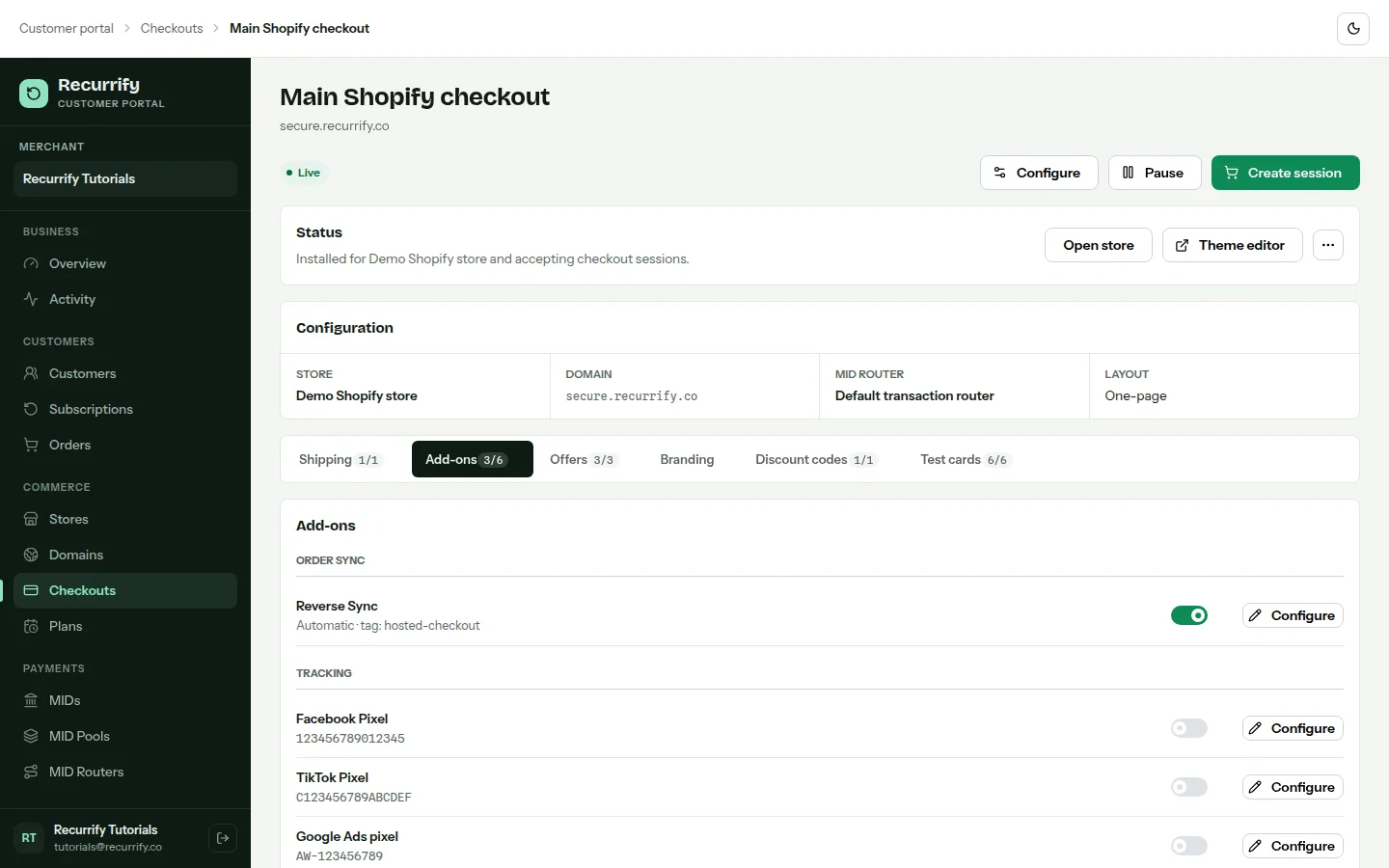
Enter provider configuration
Choose the add-on, enter the required identifier or Reverse Sync behavior, and save. Configuration is validated for that provider before the add-on can be enabled.
Enable or disable delivery
Use the add-on's toggle after configuration. Disabling keeps the saved configuration while stopping it from being used by new checkout sessions.
Supported add-ons
| Add-on | Required configuration | Shopper visibility |
|---|---|---|
| Reverse Sync | Automatic or manual mode, Shopify order tag | Never shown in checkout |
| Facebook Pixel | Numeric pixel ID | Tag delivery only |
| TikTok Pixel | TikTok pixel ID | Tag delivery only |
| Google Ads | Conversion ID and label | Tag delivery only |
| Google Tag Manager | Container ID | Tag delivery only |
| Google Analytics | Measurement ID | Tag delivery only |
Reverse Sync belongs to the checkout